What does a reading session look like?
Read a short text and tap words you don’t understand. The app uses your marked words to choose the next text automatically. If the current text is too difficult, it offers a simpler one.

How TortoLingua works, why every learning feature is free, and how to get started.
Read a short text and tap words you don’t understand. The app uses your marked words to choose the next text automatically. If the current text is too difficult, it offers a simpler one.
Tap a word you don’t know to mark it. Leave familiar words unmarked. The app remembers these marks for future texts.

Yes, for the app’s short texts. Open the audio panel in the reader to listen without leaving the text. This does not include imported books.

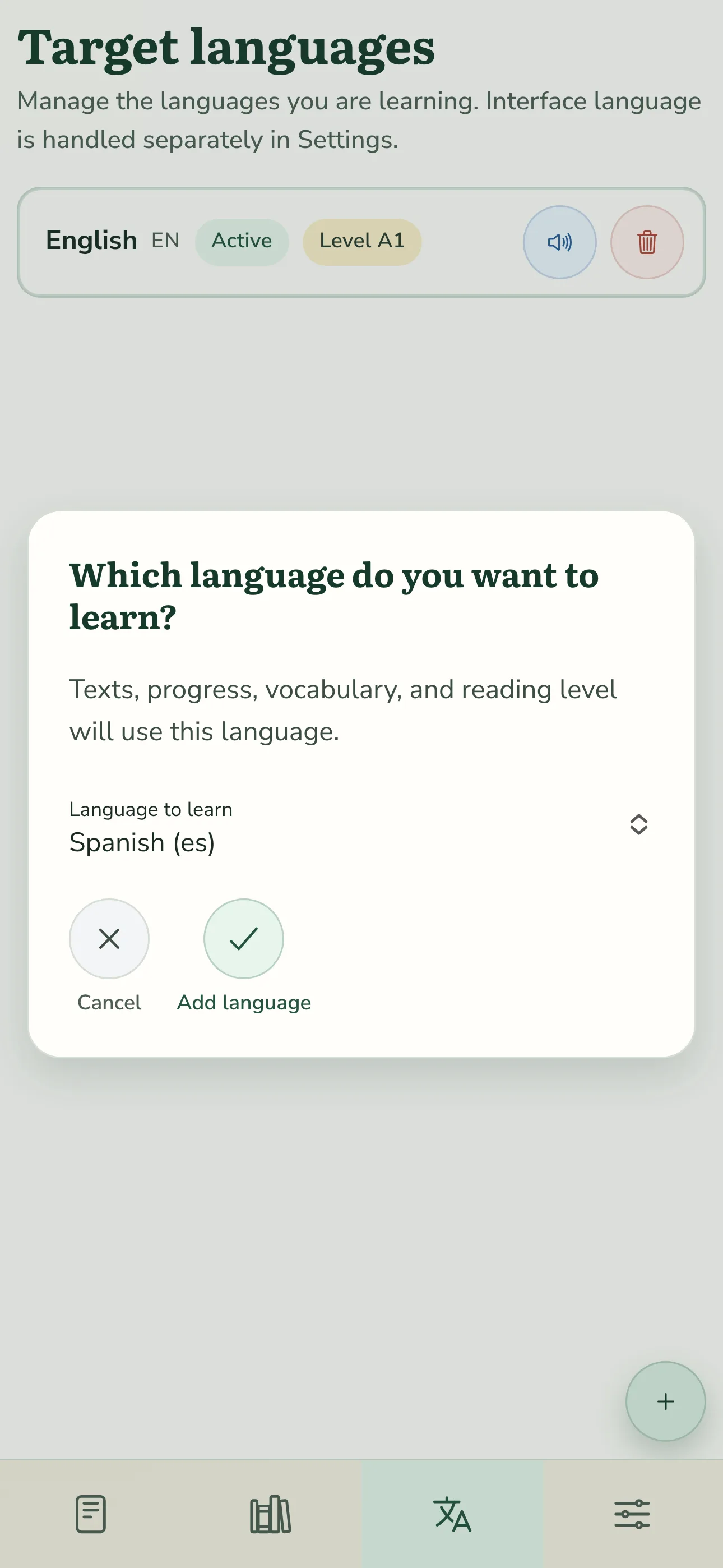
TortoLingua supports English, Spanish, Portuguese, French, German, Serbian, Ukrainian, Polish, Japanese, and Korean. You can learn any of these from any other as your base language.
No. You decide when and how much to read. You can start with one short text, without a daily target.
Yes. The app starts with very simple texts. Your word marks help it adjust future texts; no prior knowledge is required.
Yes. Every TortoLingua learning feature is available for free. There are no subscriptions, paid tiers, in-app purchases, or ads. Reasonable technical and fair-use limits may apply equally to everyone; payment never unlocks more features or higher limits.
Yes. Get the mobile app from the App Store or Google Play. You can also add the web app to your home screen: in Safari on iPhone, use Share → Add to Home Screen; in Chrome on Android, open the browser menu and follow the installation options. Menu labels can vary by version.
Start now