Your books in TortoLingua
Read Your Own Books in TortoLingua
Read a book you have the right to use in TortoLingua. Tap unfamiliar words for translation and continue where you stopped.
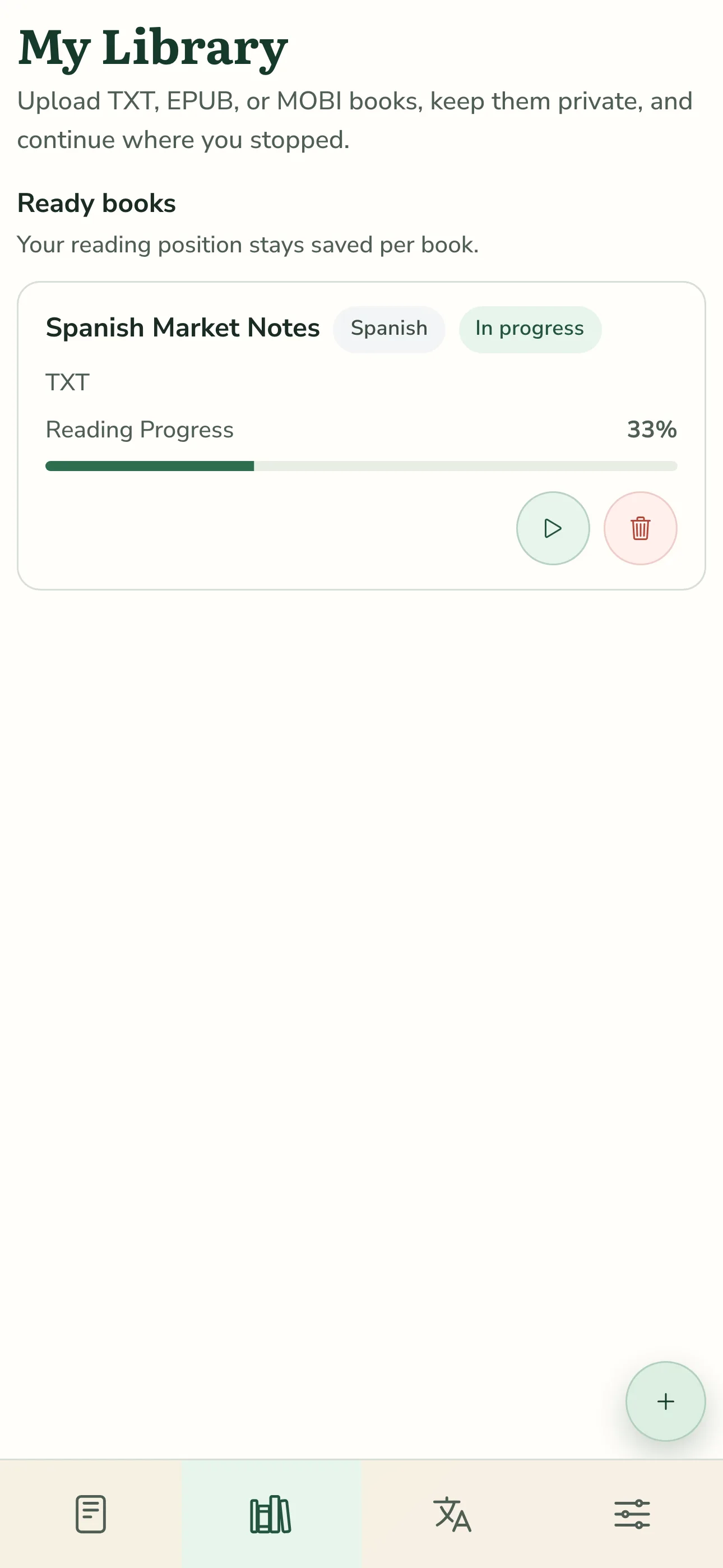
Import a book you have the right to use and read it in TortoLingua. Tap a word you do not know to mark it and see its translation. You can stop and continue where you left off.
Files and limits
You can import TXT, EPUB, or MOBI files up to 10 MB and keep up to 10 books in your account. PDF is not supported. DRM-protected or encrypted books cannot be imported; TortoLingua does not bypass this protection. Audio and narration are not available for imported books.
Your book stays private
Imported books are private to your account; there is no book-sharing feature. The text from your book is stored so you can keep reading. The original uploaded file is not stored.
Read the guide to reading books with translation for reading tips, or check the TXT, EPUB, and MOBI import guide before adding a file.
Reading without a connection
In the browser and installed web app (PWA), you can read text saved during online reading if the browser has granted persistent storage. Without a connection, only text already saved on this device is available.
Saved text expires after 30 days without a successful online open or sync. Signing out, deleting your account, removing the language, or deleting the book clears it. These conditions apply to the browser and installed web app. Translation requires a connection.